Photo Print

Processing and printing · Windows 10/11 x64 · version 1.3.6

Photo Print

A processing and printing station built for the volume of a professional lab. One operator runs the whole line while AI takes care of routine correction.

8
printers per station
4
printers per split order
6
photos per print cycle
35
ID standards, 17 countries
00

Workflow

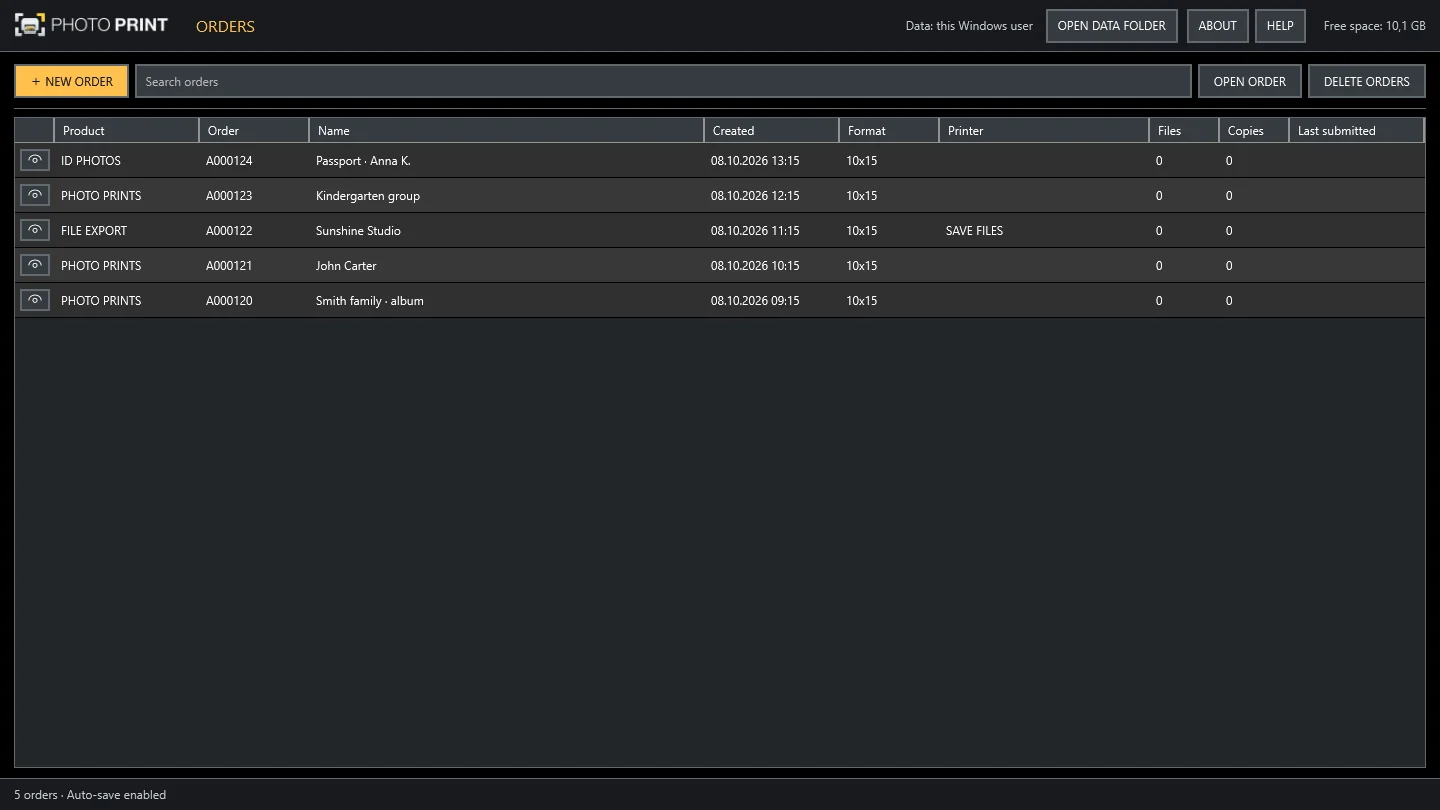
List of orders
OrdersEvery order in one place.
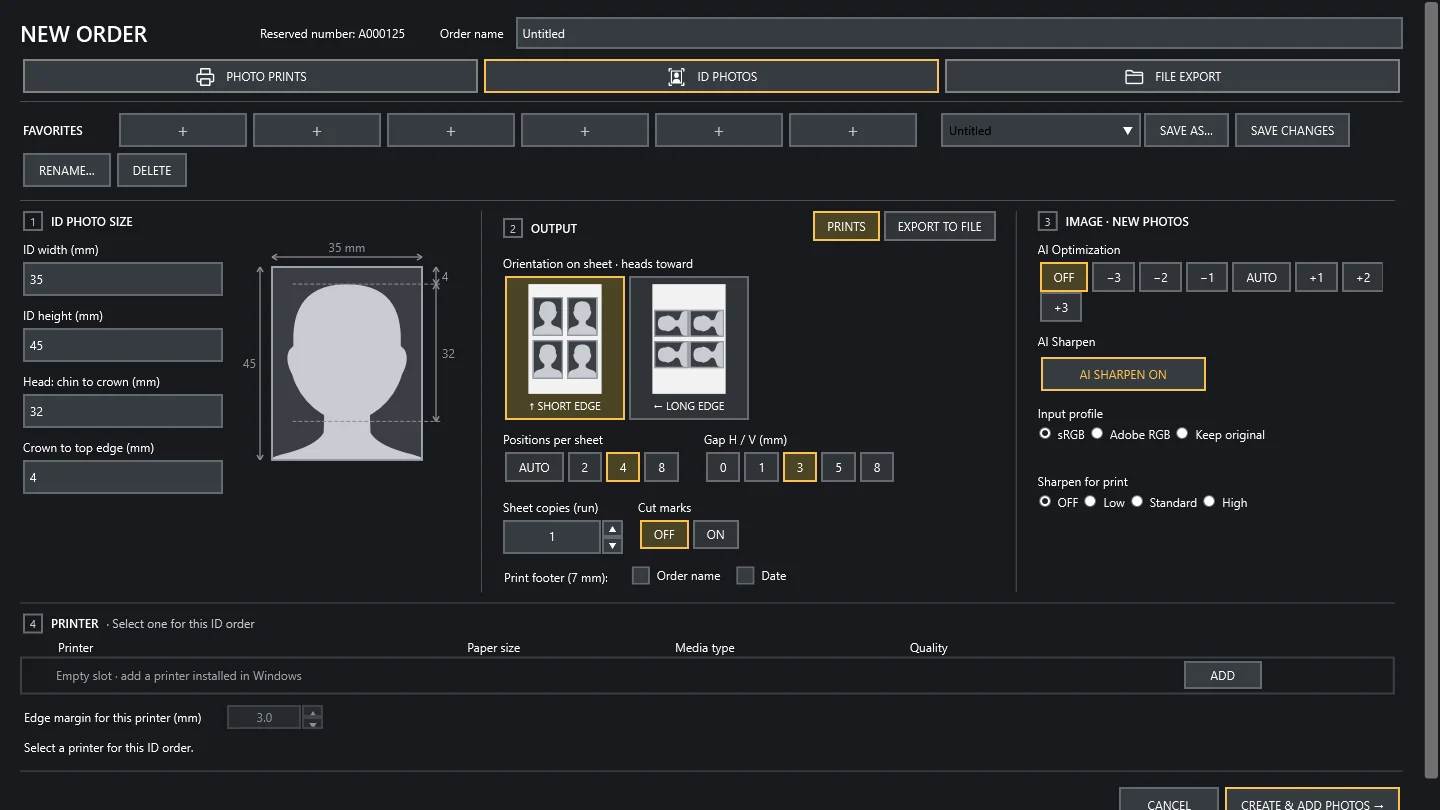
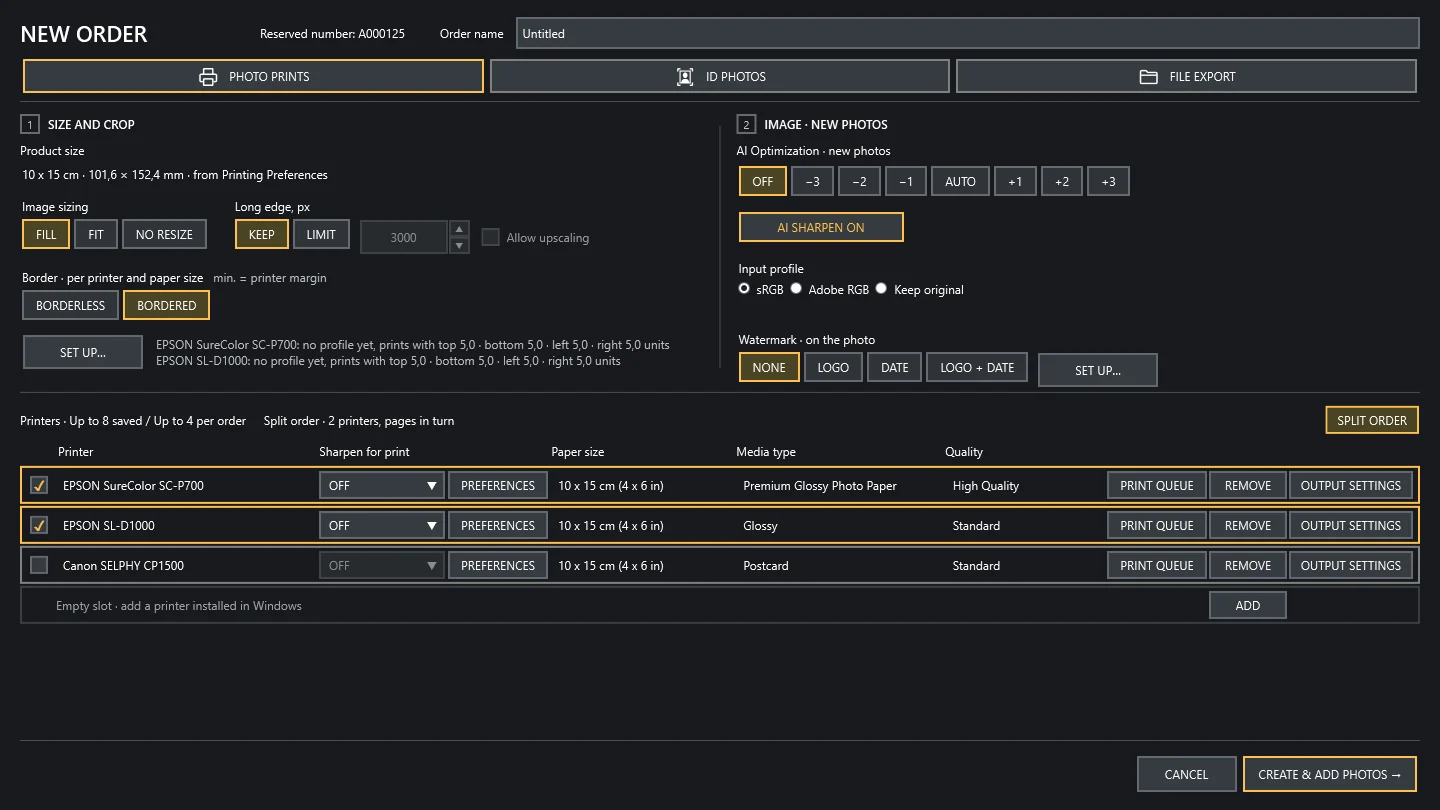
New order with printers and split order
New orderSize, printers, split, AI.
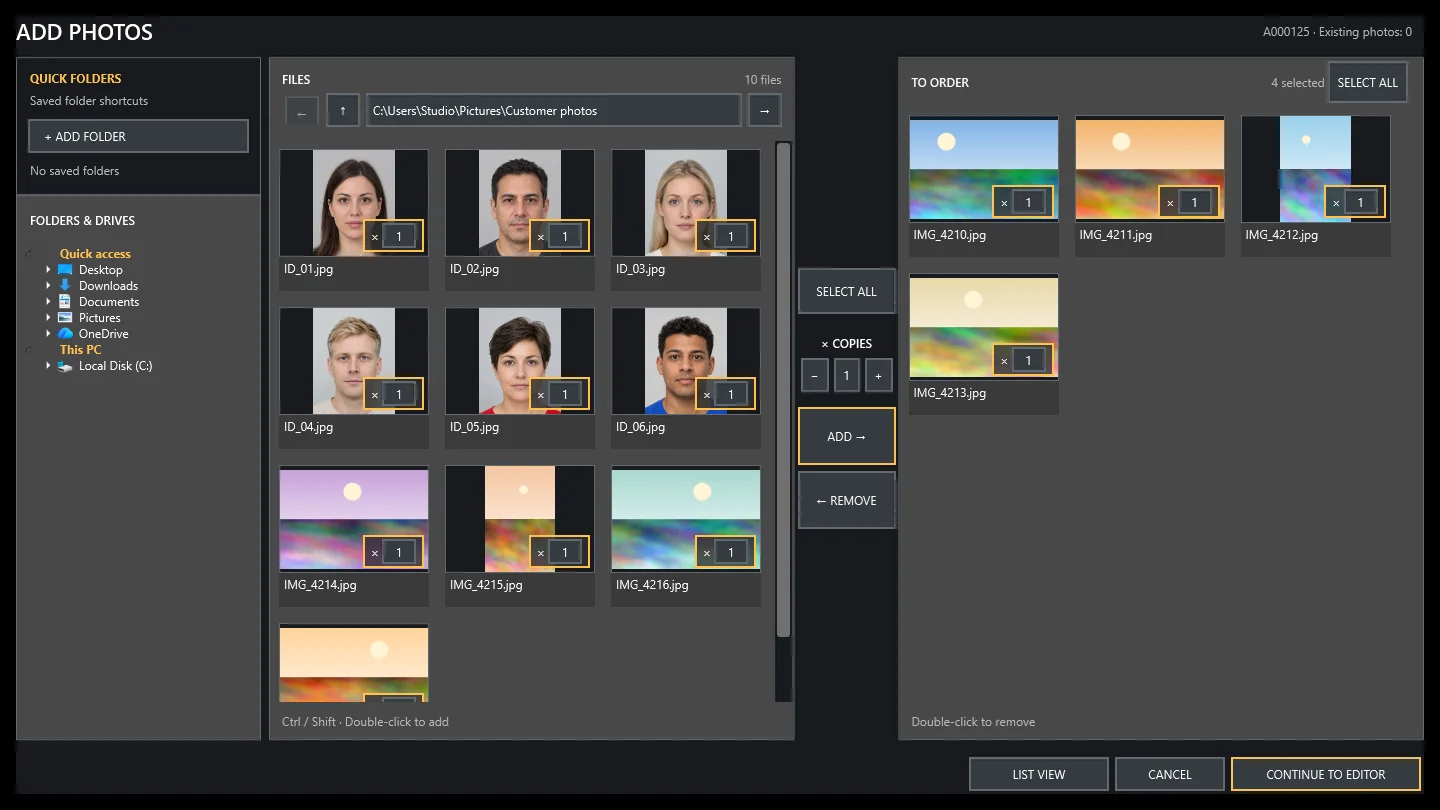
Adding photos from folders
Add photosFolders, cards, USB sticks.
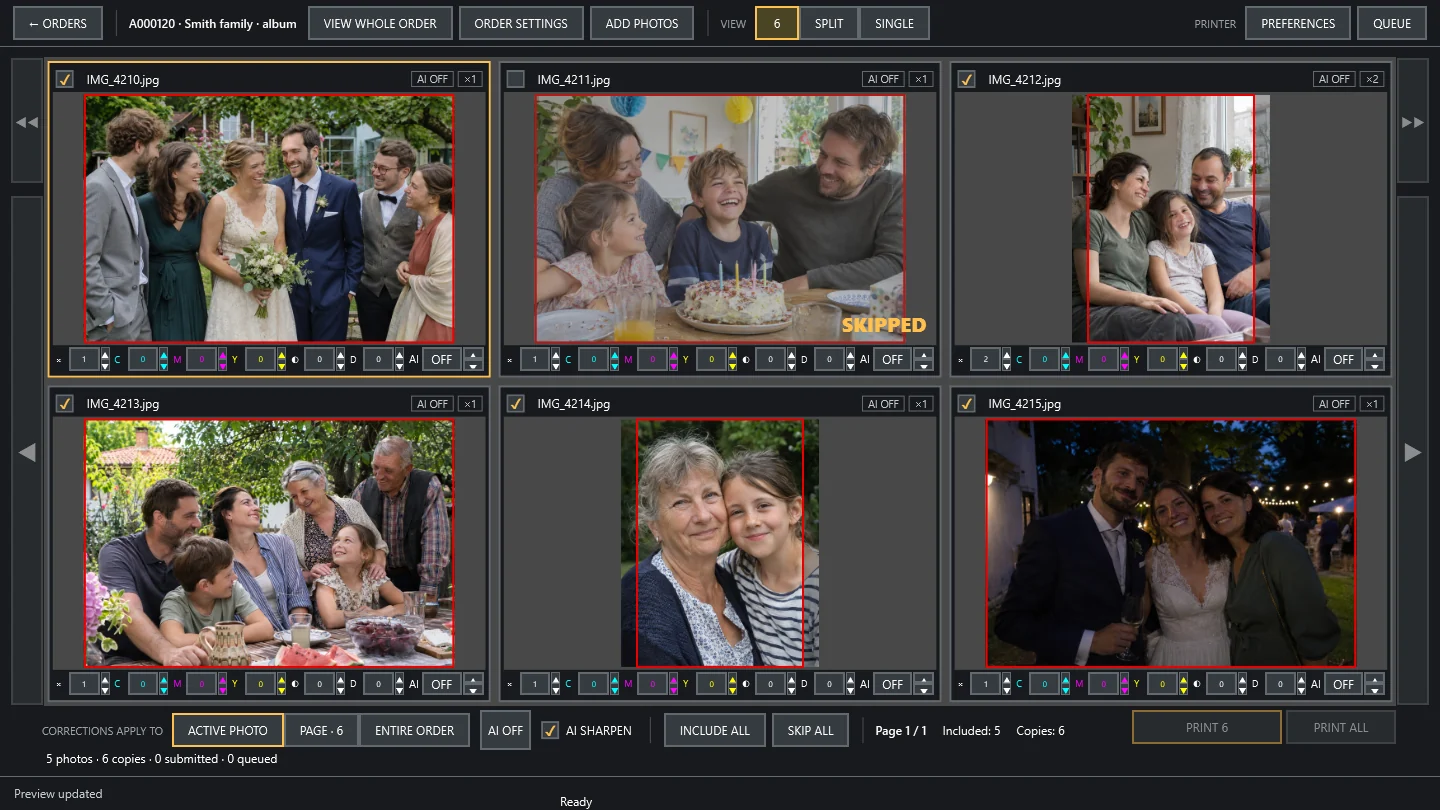
Six-photo view
Review and printSix photos per screen.
01

AI correction

Every photo is analysed and corrected automatically. In daily work the operator simply confirms the result: orders take far less time, and the finished prints look better and stay consistent from the first photo to the last.

  1. Input
  2. PeoplePP-HumanSeg
  3. FacesYuNet
  4. SceneAdaInt 3D LUT
  5. Tone protection
  6. Skin
  7. AI Sharpen
  8. Output
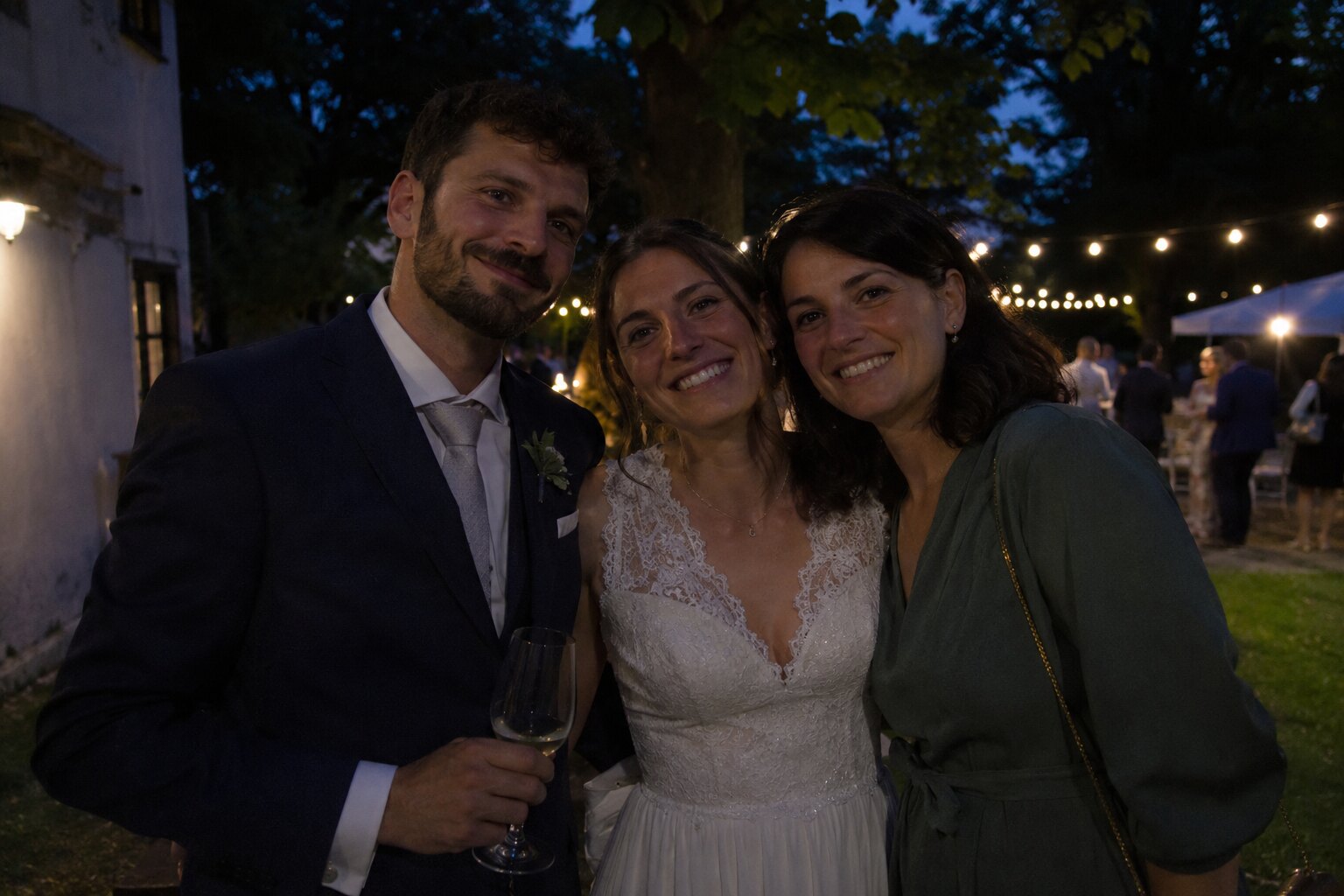
Underexposed input photo
InputOriginal file, untouched.
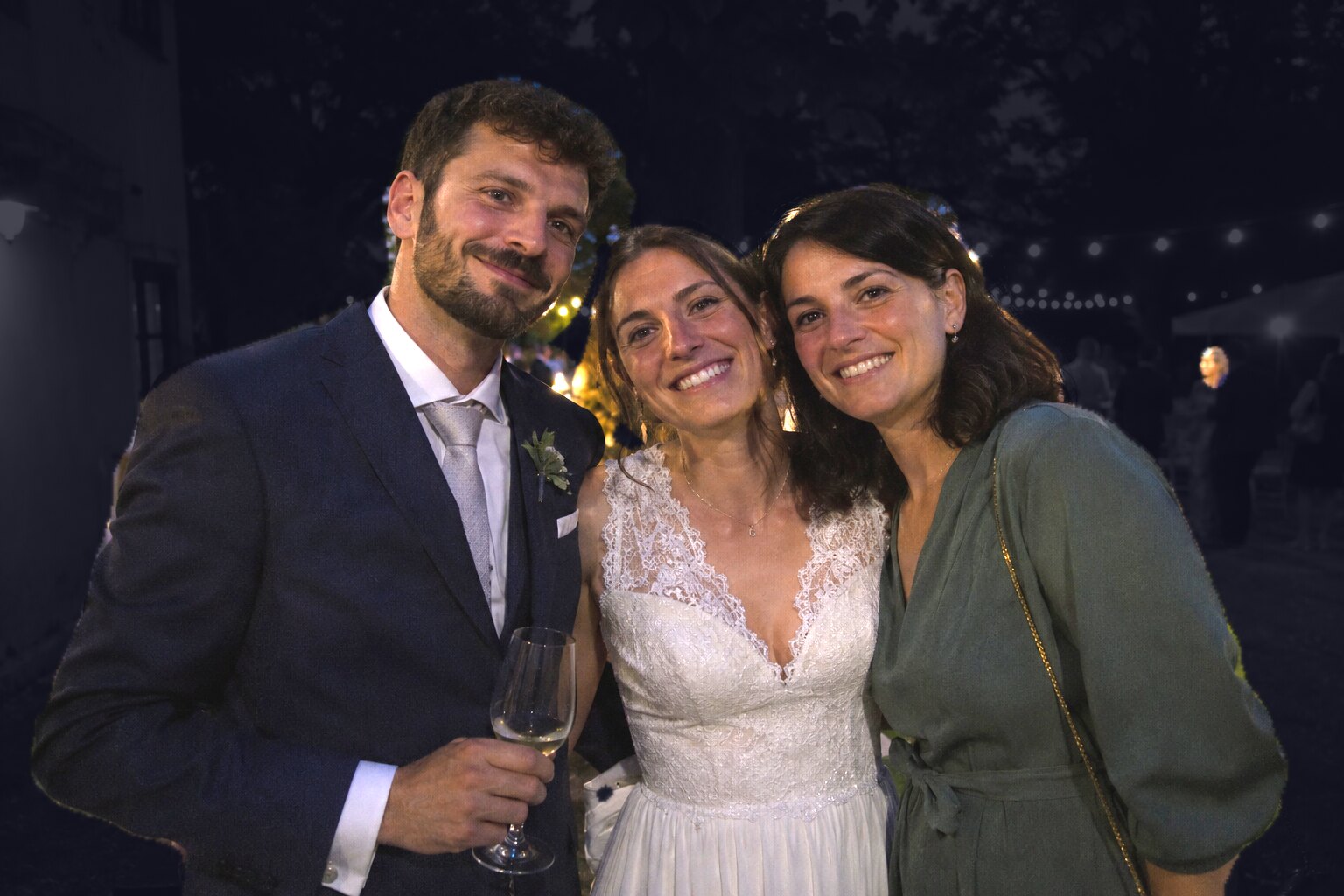
People mask: background darkened, people highlighted
People segmentationPP-HumanSeg. People cover 59.3% of the frame.
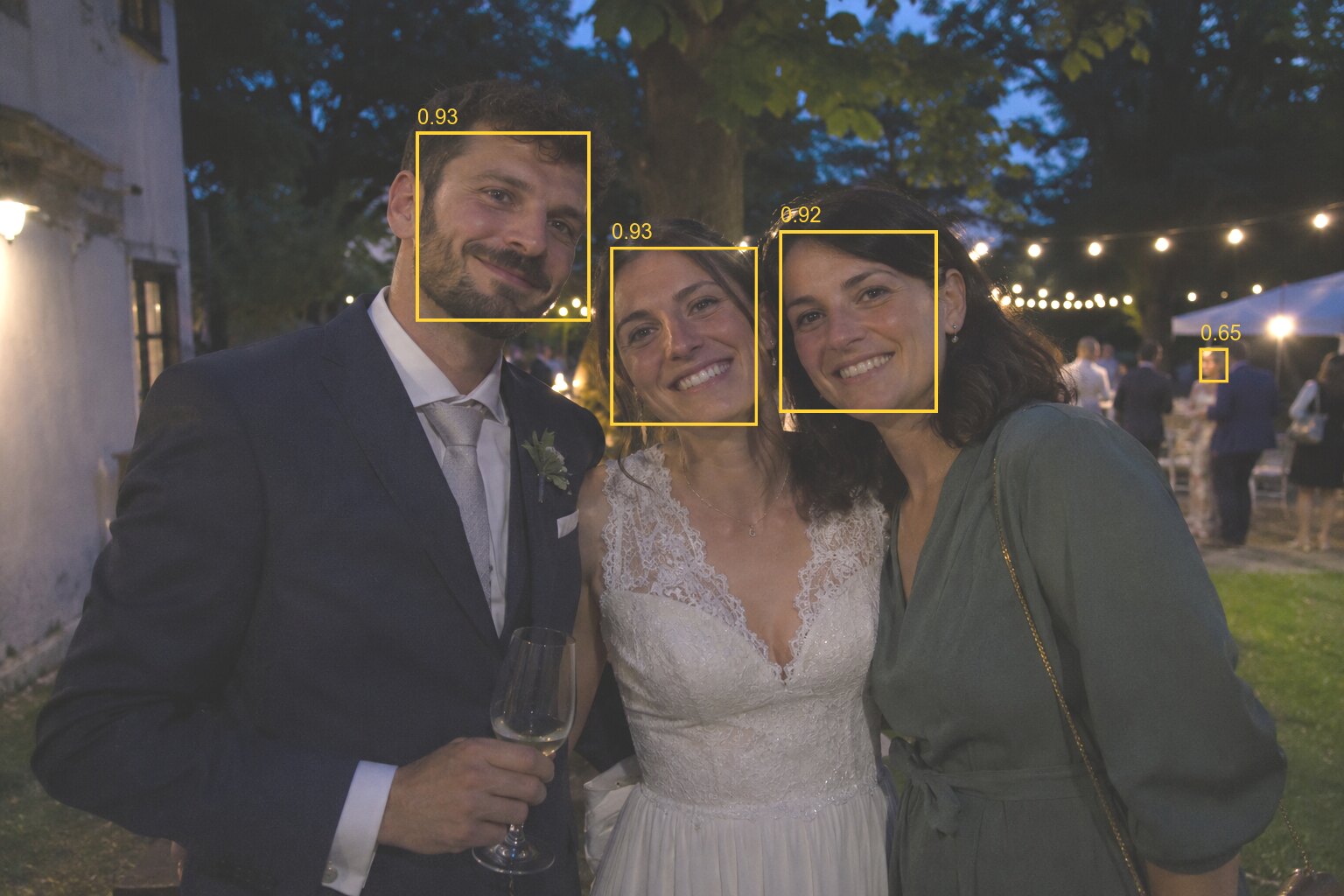
Detected faces with boxes and confidence scores
Face detectionYuNet. 4 faces, confidence 0.65–0.93.
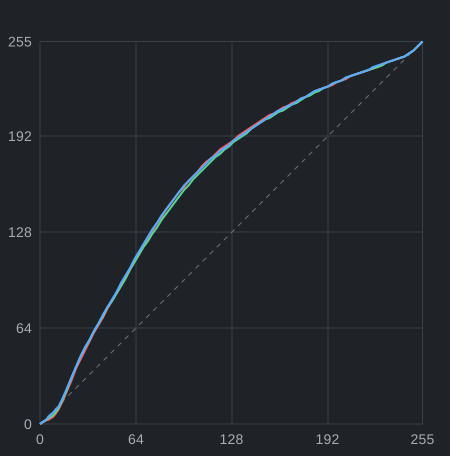
Tone response for the red, green and blue channels computed for this photo
Scene analysisAdaInt: an adaptive 3D LUT for the frame. Chart: input and output per channel.
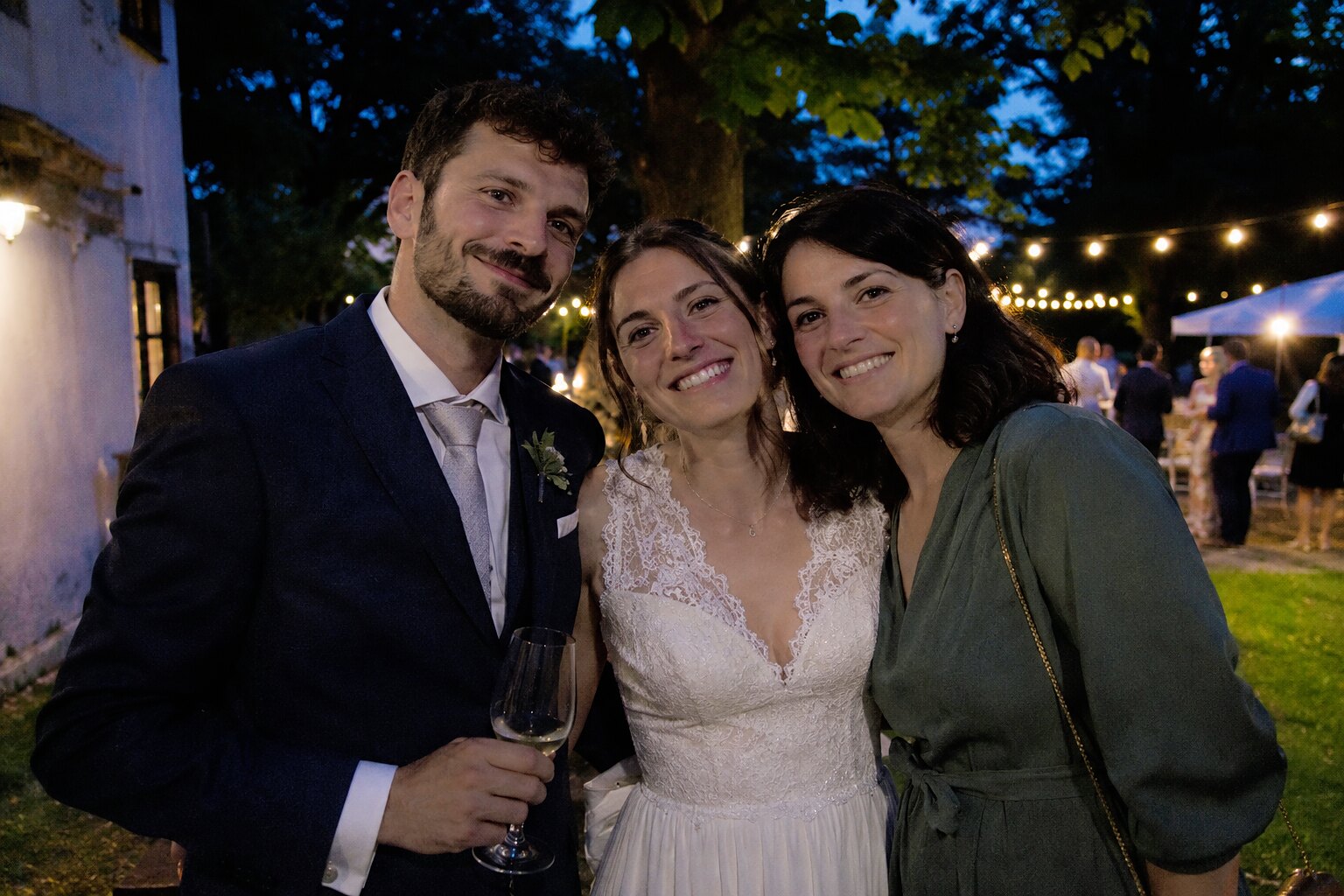
Result after AI correction
OutputAUTO mode, no manual corrections.
Before
After
Before After
  • People and skin are processed separately from the background, with limits on skin colour.
  • Whites and blacks are protected from clipping and muddying.
  • The models run on the station's CPU. Photos never leave the building.
  • Compare with the original by holding a button.

The steps shown are real intermediate data from the algorithm. The mask and boxes are visualised for this site. The test photo is AI-generated; the people are fictional.

02

Up to 8 printers from one station

The whole printer line is run from a single workstation. Fewer computers, less file shuffling, fewer mistakes.

Printers per stationup to 8
Direct print buttons1–4 on the work screen
Driverthe printer's standard Windows driver
Settingsper printer and paper
One station connected to eight different printers
Different models and technologies, run from one station.
03

Split orders

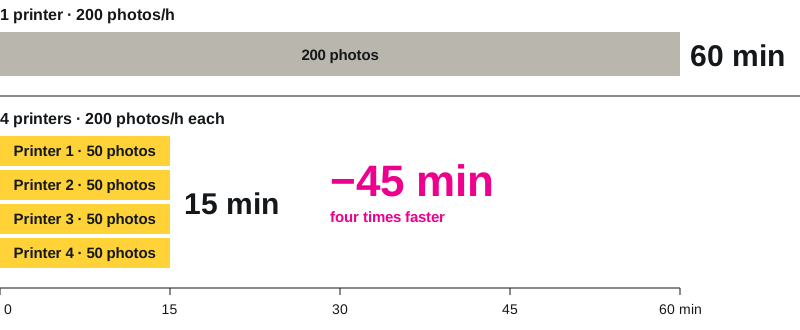
One order is distributed automatically across up to 4 printers. Capacity grows up to four times, with no extra operator.

200 photos: 60 minutes on one printer and 15 minutes on four printers
Example: 200 photos on printers rated at 200 photos/h.
04

Print 6

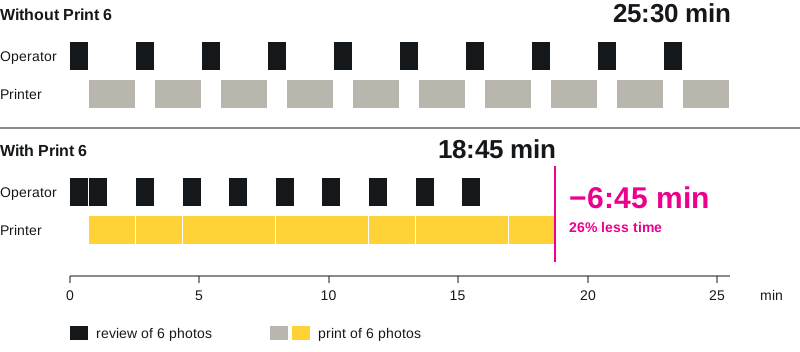
On large orders the printer never waits for the operator. The first six photos print while the next six are being reviewed, so processing and printing run side by side.

CyclePrinterOperator
1photos 1–6reviews 7–12
2photos 7–12reviews 13–18
3photos 13–18reviews 19–24
60 photos: 25:30 minutes without Print 6 and 18:45 minutes with Print 6
Example: 60 photos, 10 pages, 45 s review per page, printer at 200 photos/h.
05

AI Sharpen

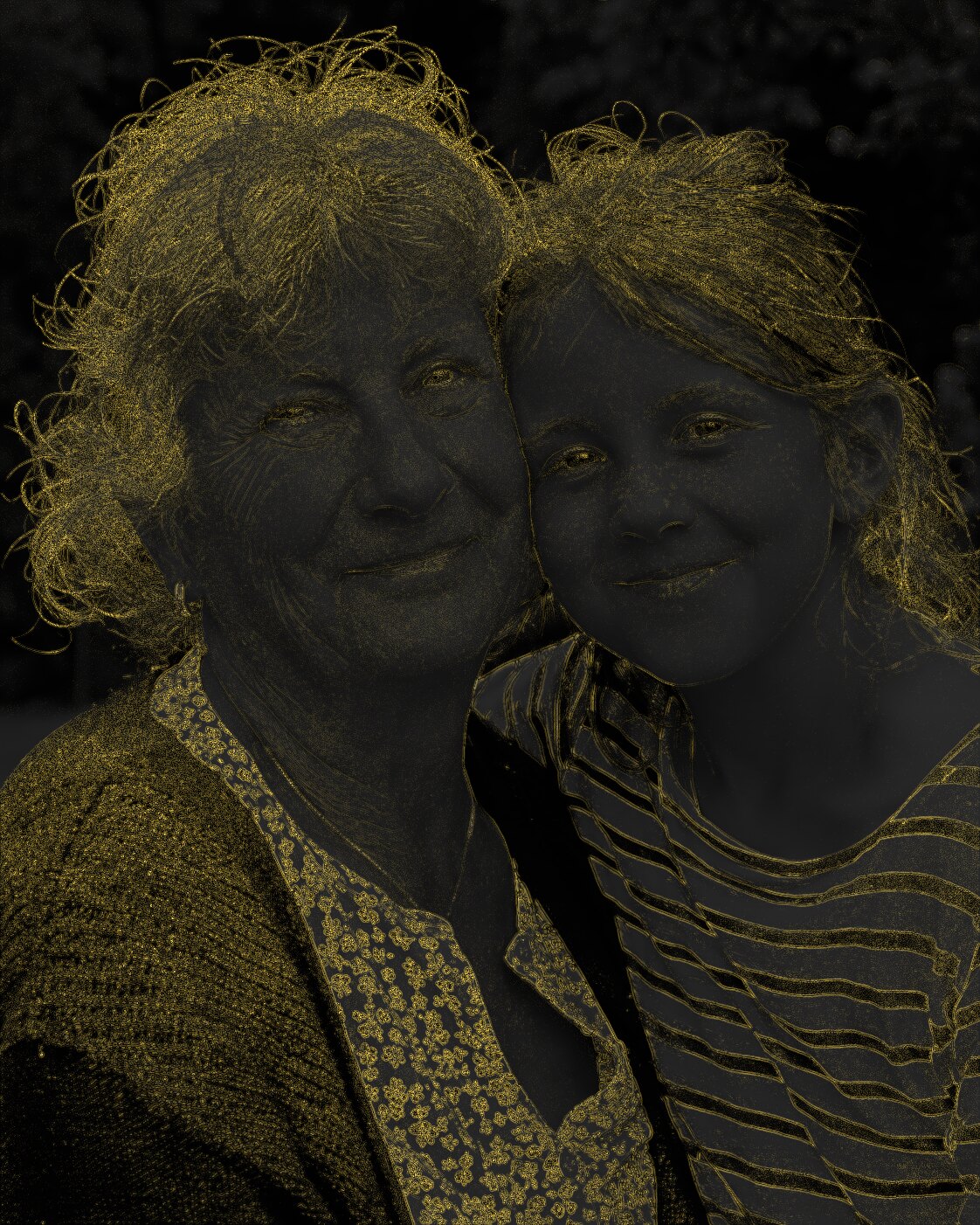
Sharpening goes exactly where the eye looks for it: eyes, lashes, hair, edges and textures. Skin stays natural and flat areas stay clean. The print looks crisper without looking processed.

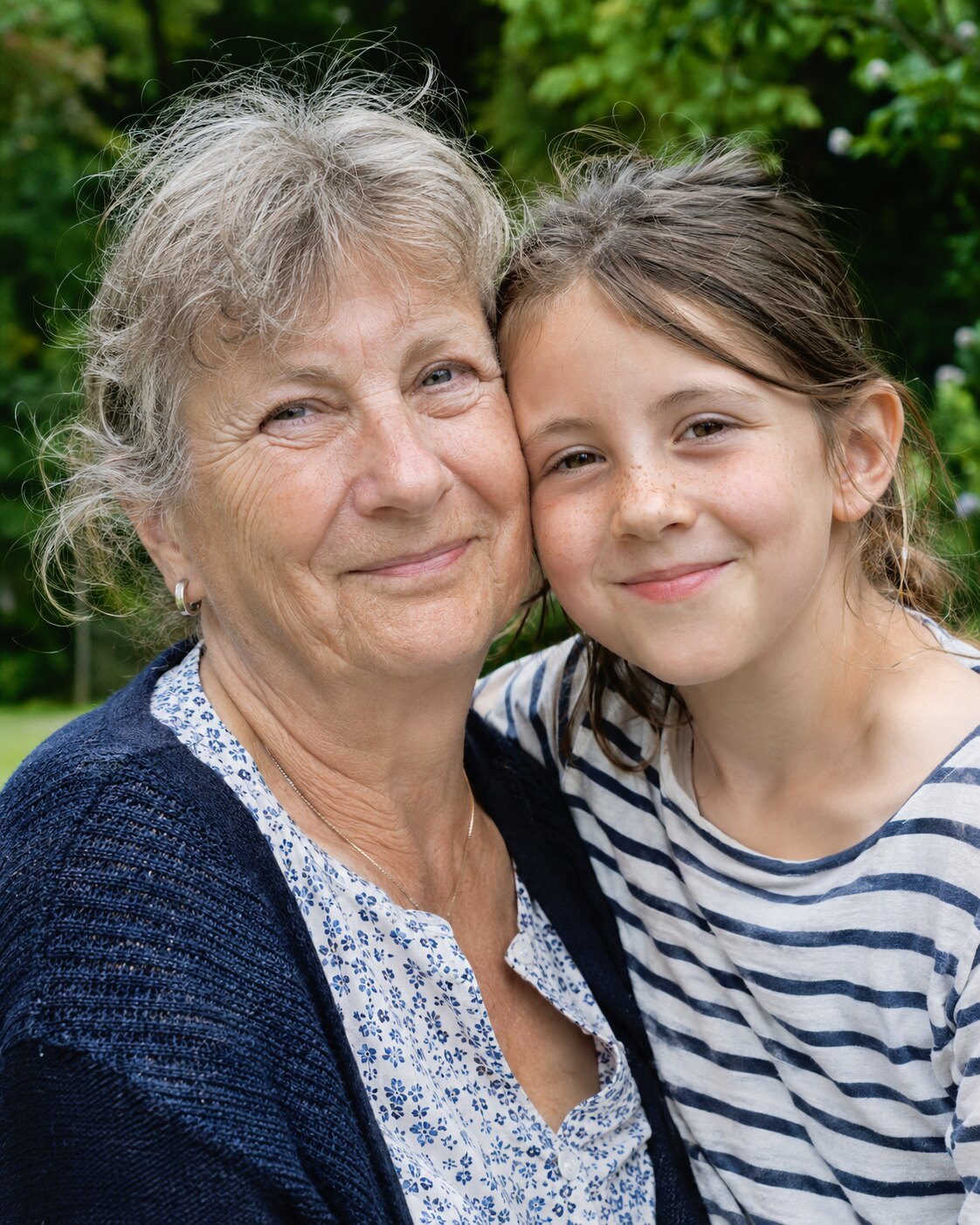
Portrait before sharpening
Source photoAfter AI correction, before sharpening.
Map of the applied sharpening: strong on hair, eyes and clothes, weak on skin
Where it actsDifference with and without AI Sharpen, amplified ×14.
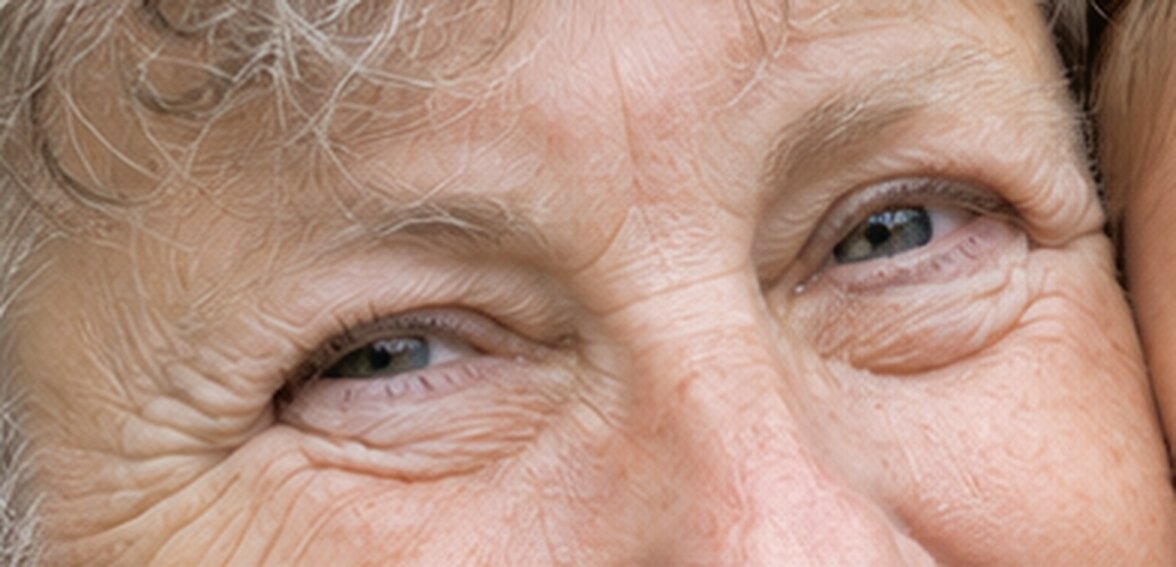
Eyes without AI Sharpen, magnified 3 times
OffMagnified ×3.
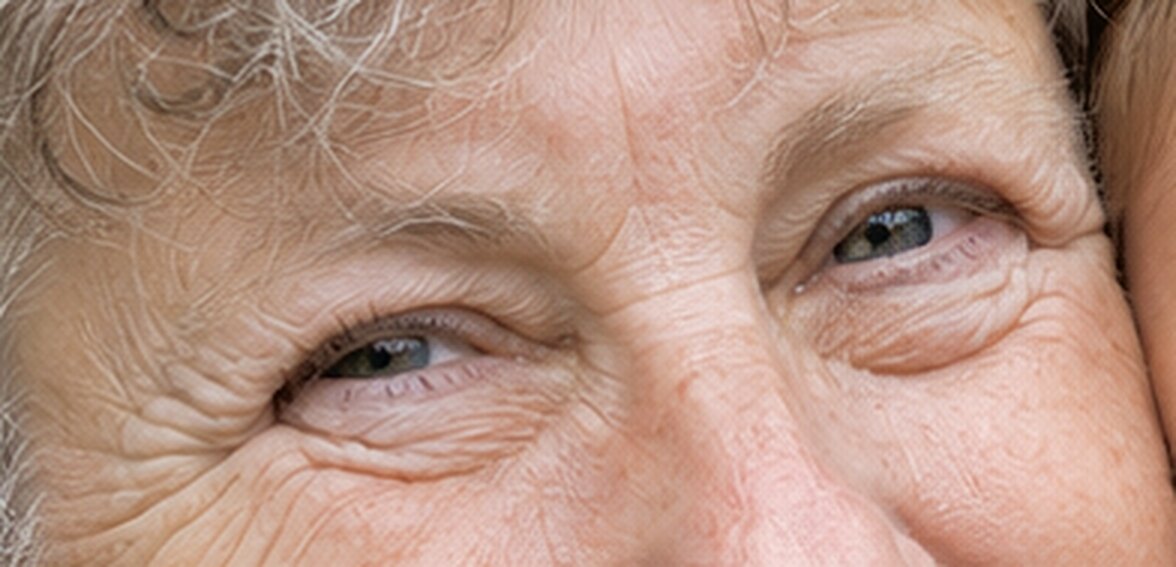
Eyes with AI Sharpen, magnified 3 times
OnMagnified ×3.
06

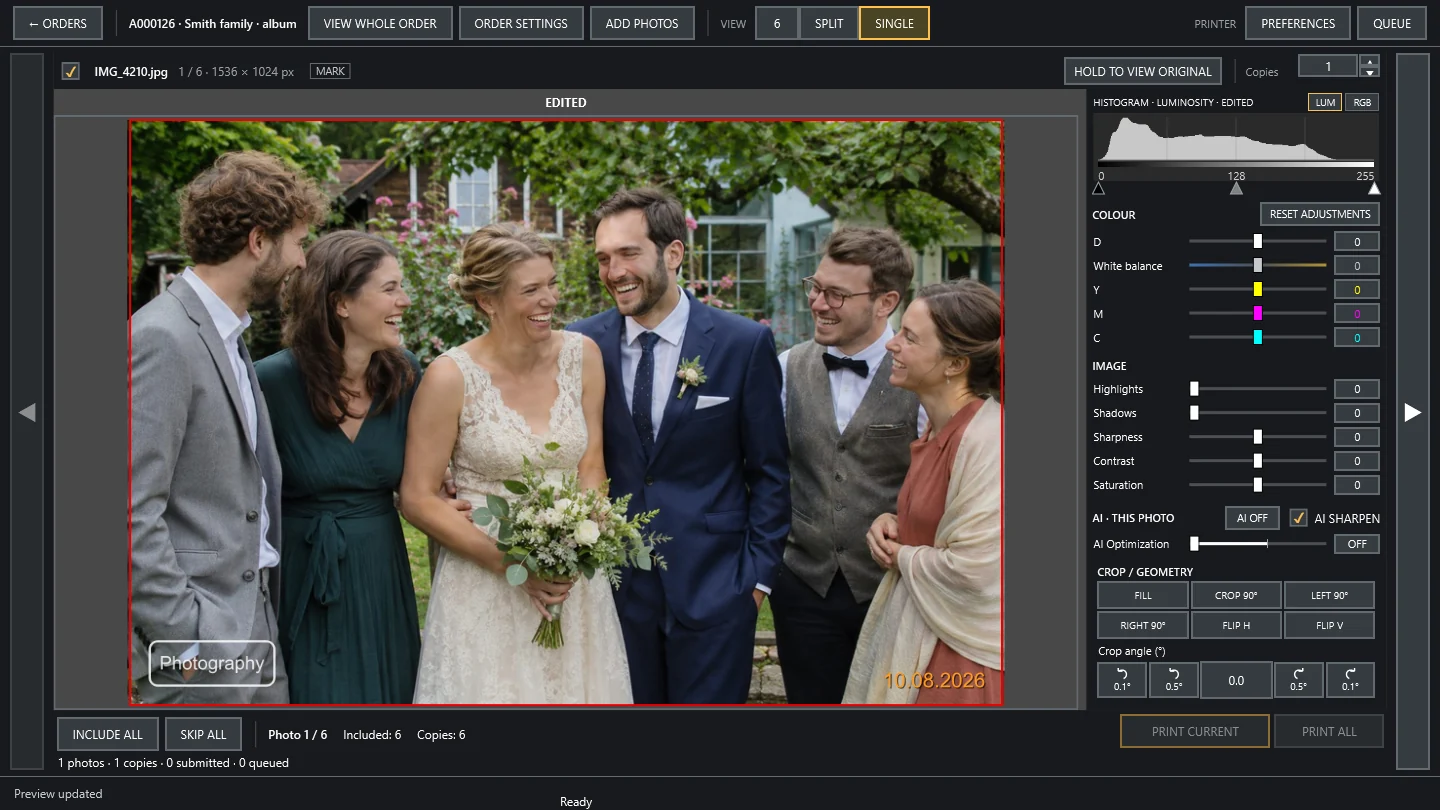
Interface

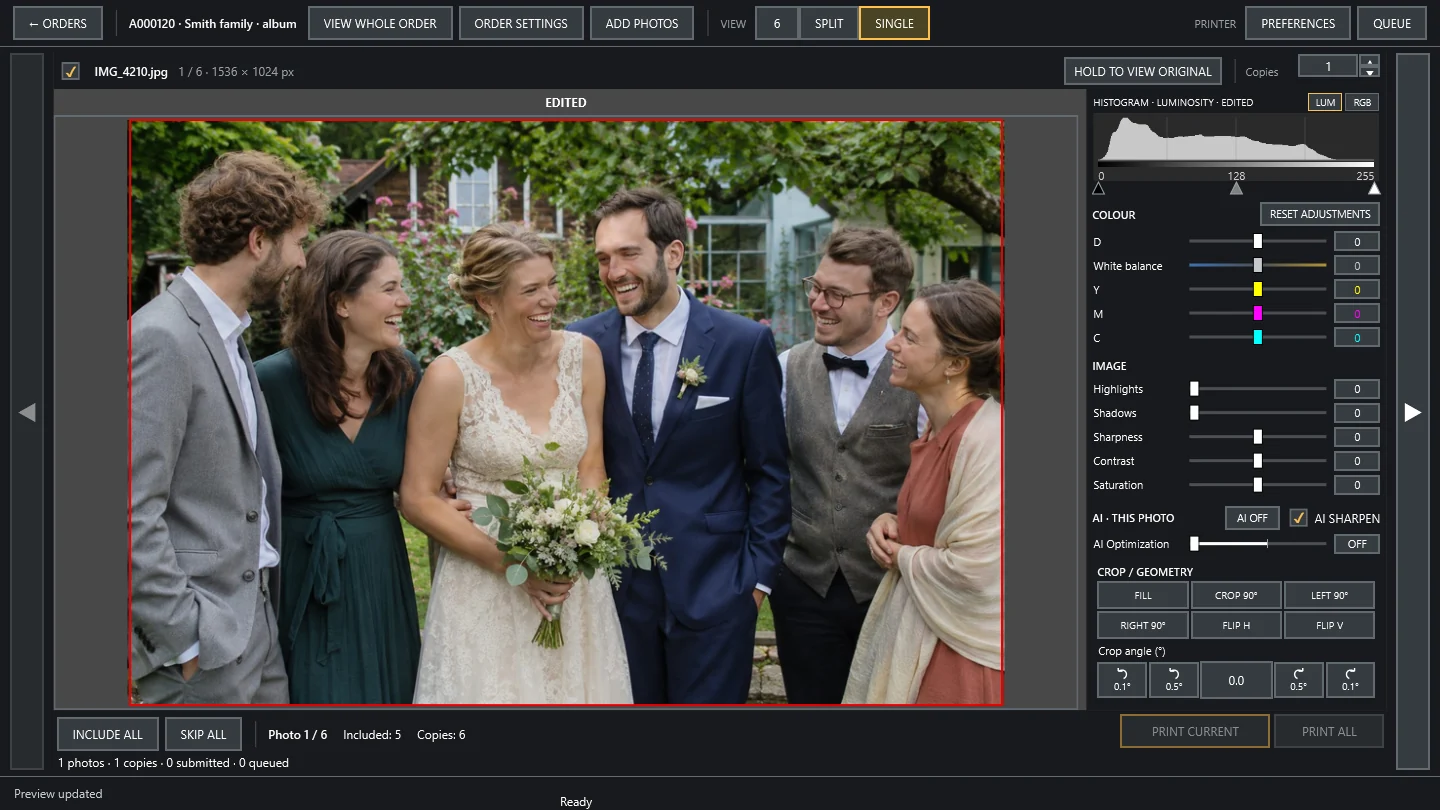
One screen for the whole order, familiar to anyone who has worked in a photo lab. A new operator is productive from day one.

Views6, split, single, whole order
CorrectionsC, M, Y, D, white balance, highlights, shadows, contrast, sharpness, saturation
Input filesJPEG, PNG, TIFF, BMP, HEIC/HEIF, WebP, AVIF
Photo Print editor with a single photo, histogram and corrections
07

ID photos

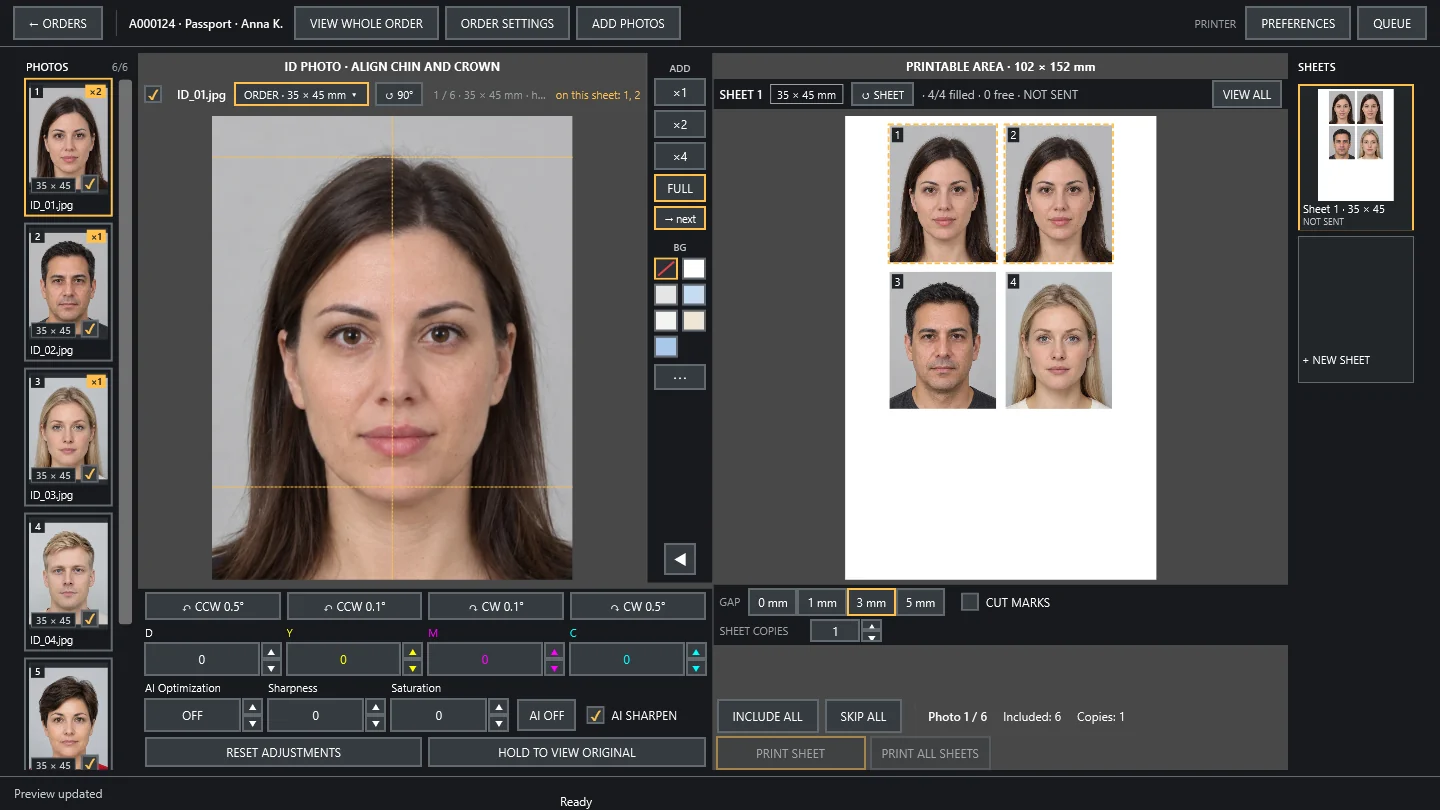
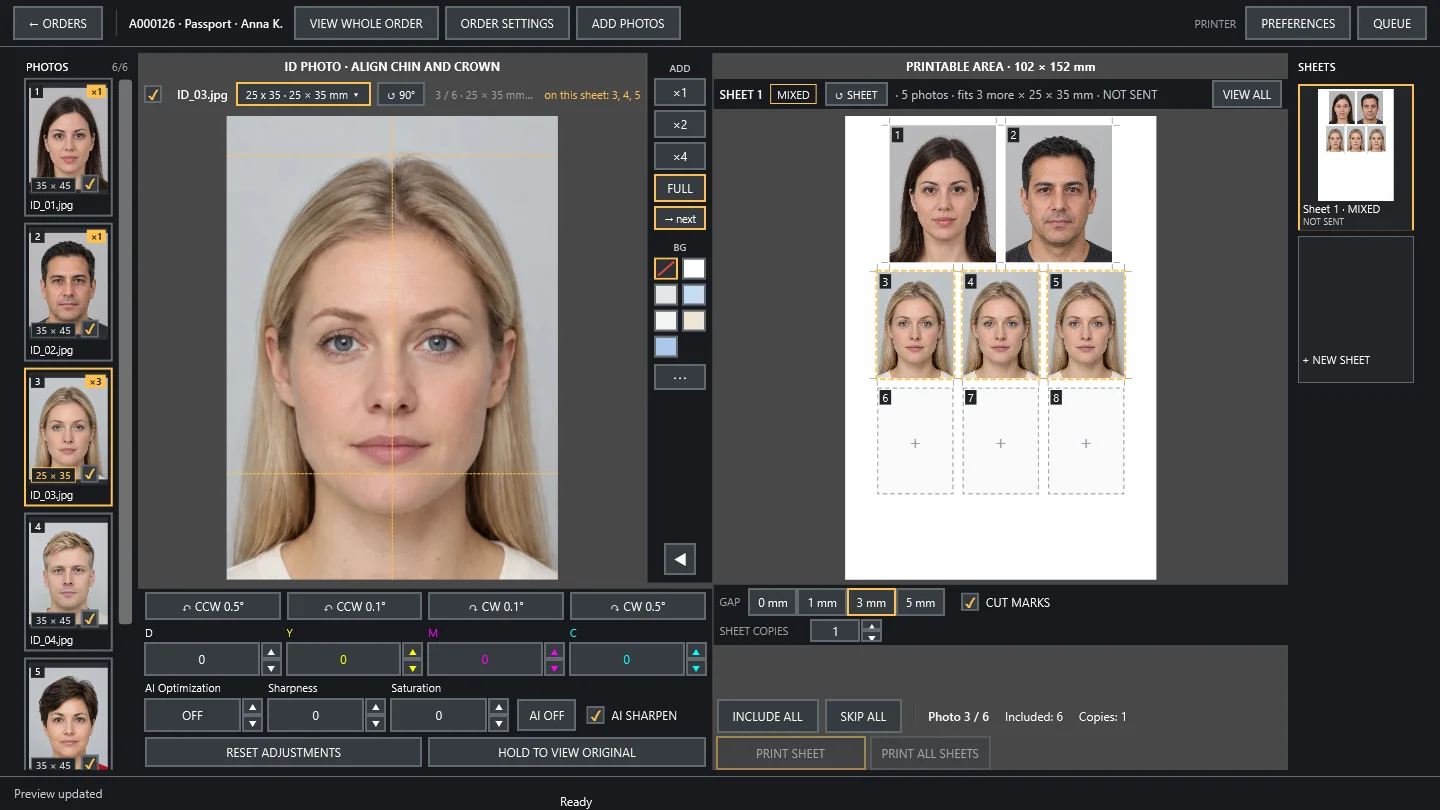
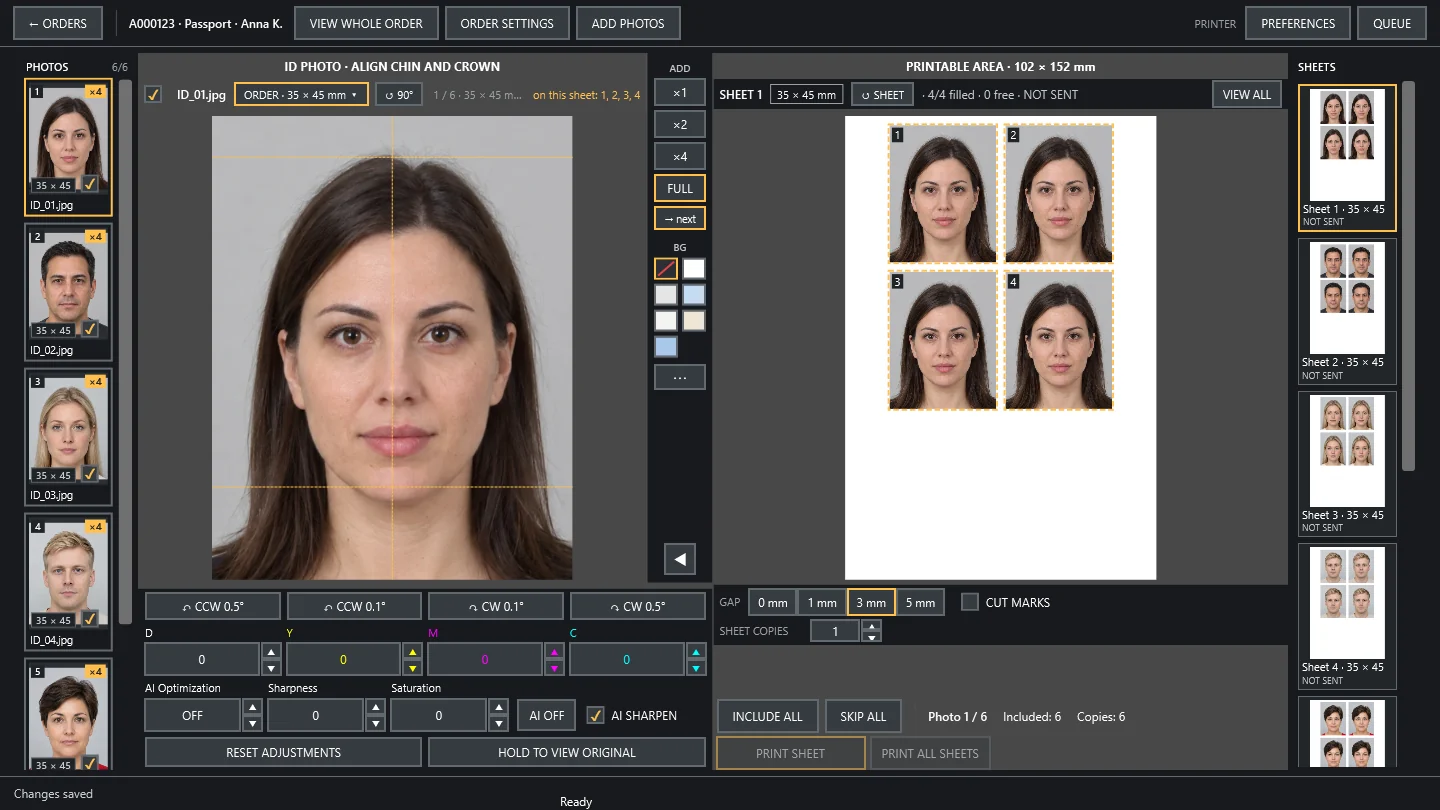
Fast, flexible ID photo work: mixed sizes and templates on one sheet, background replacement, chin and crown guides.

Built-in standards35 for 17 countries, plus your own templates
Size10–150 mm, head height and top margin
SheetAUTO, 2, 4 or 8 positions; repeat or mixed mode
Gap0, 1, 3, 5, 8 mm
Finishingcut marks, footer text
Outputprint or file, 72–1200 DPI
ID photo with guides and a sheet with four positions

Background replacement

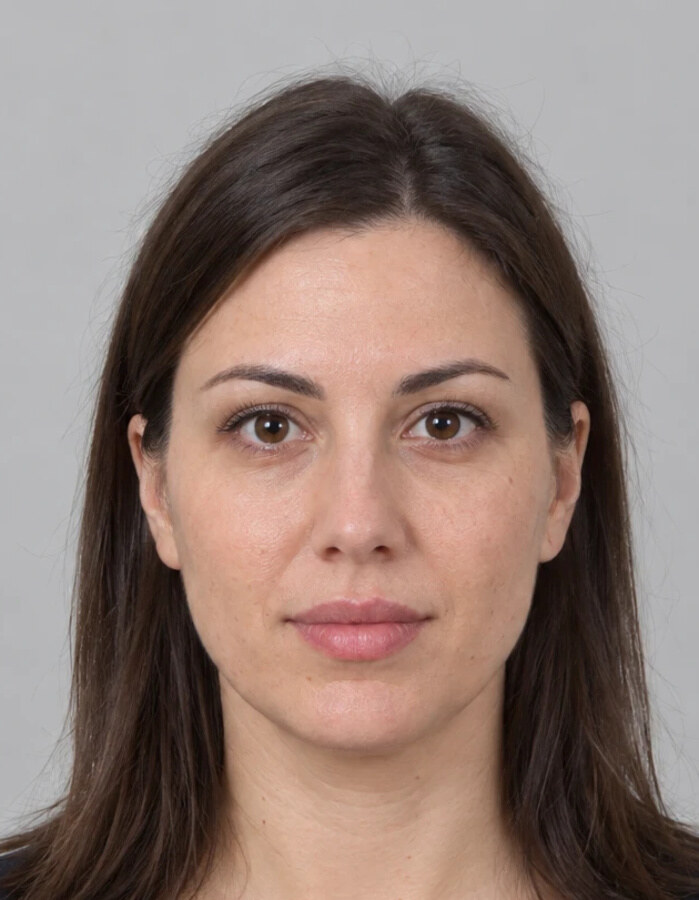
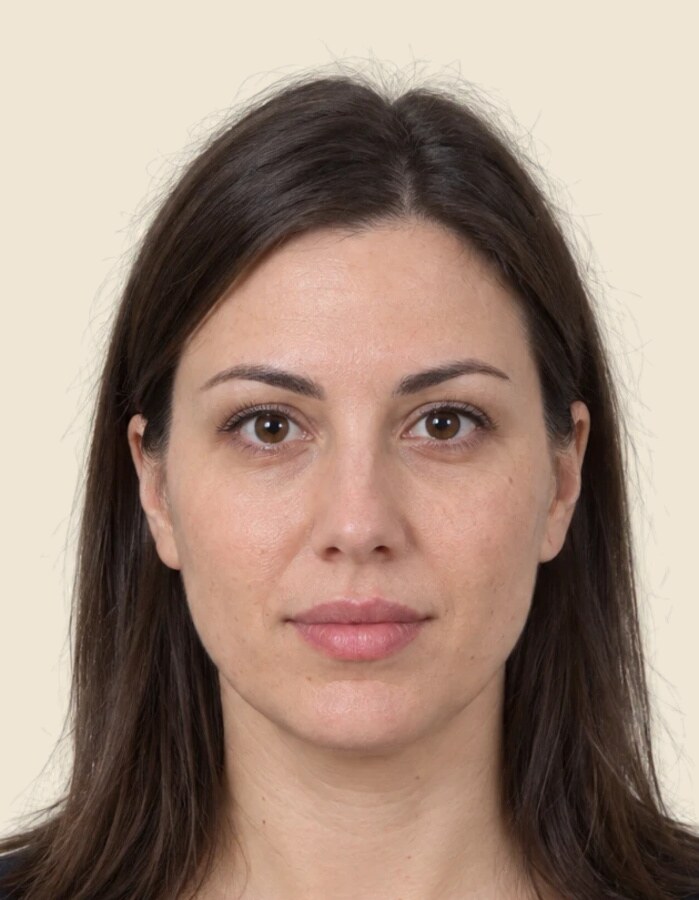
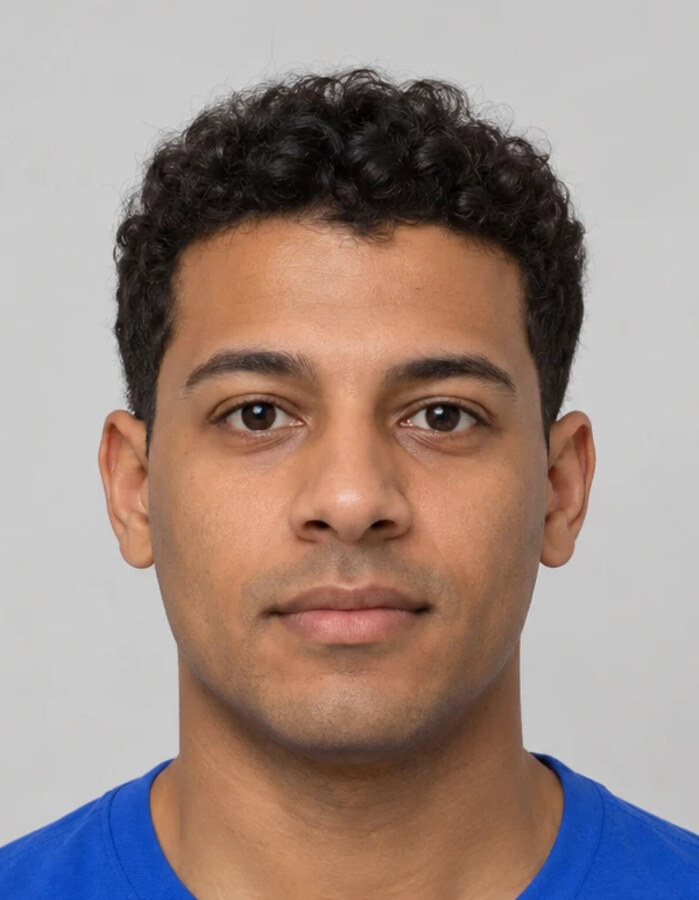
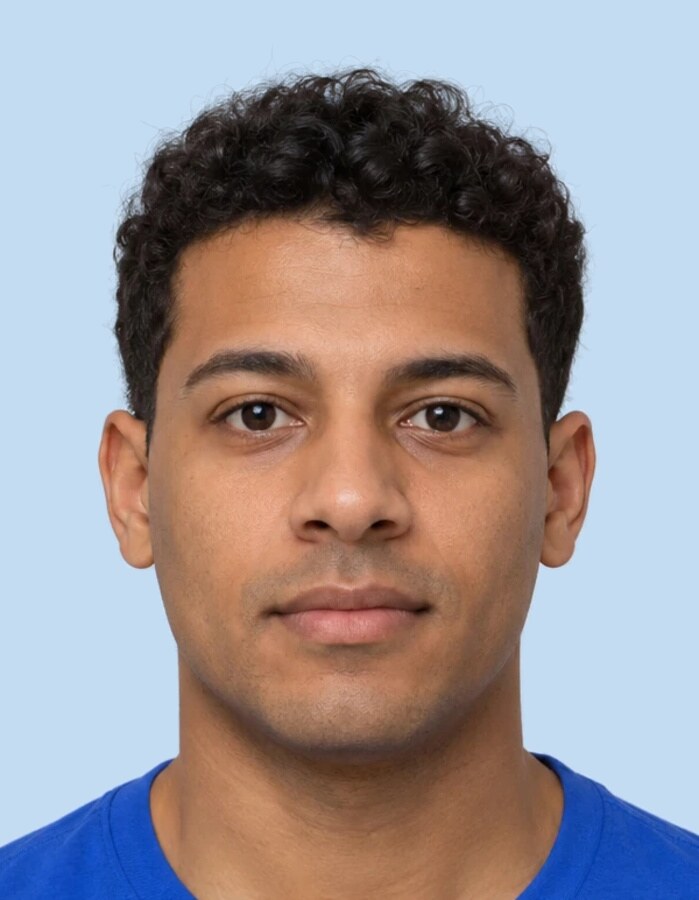
Portrait on a grey background
Input
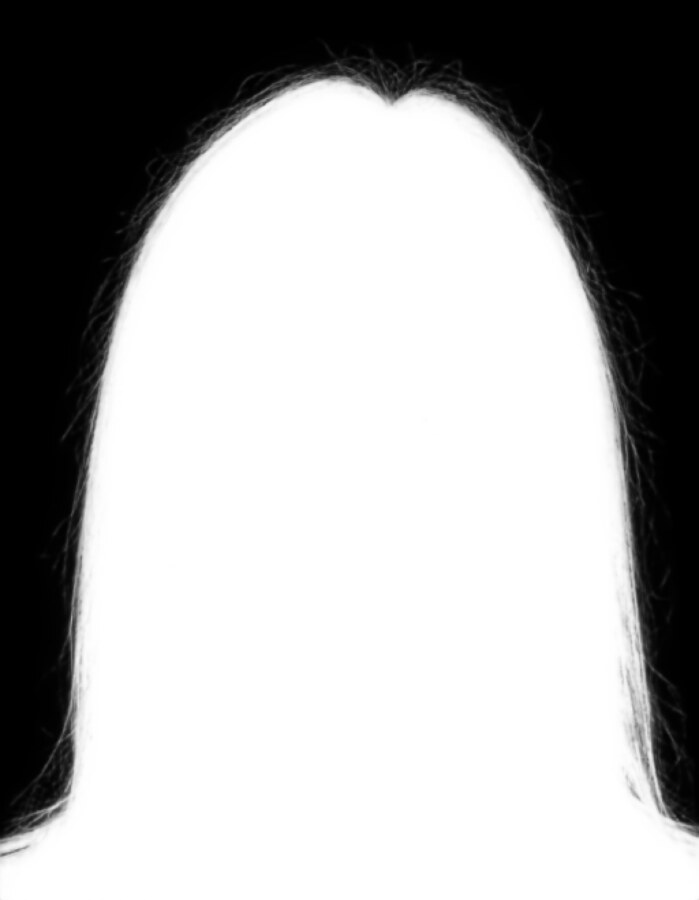
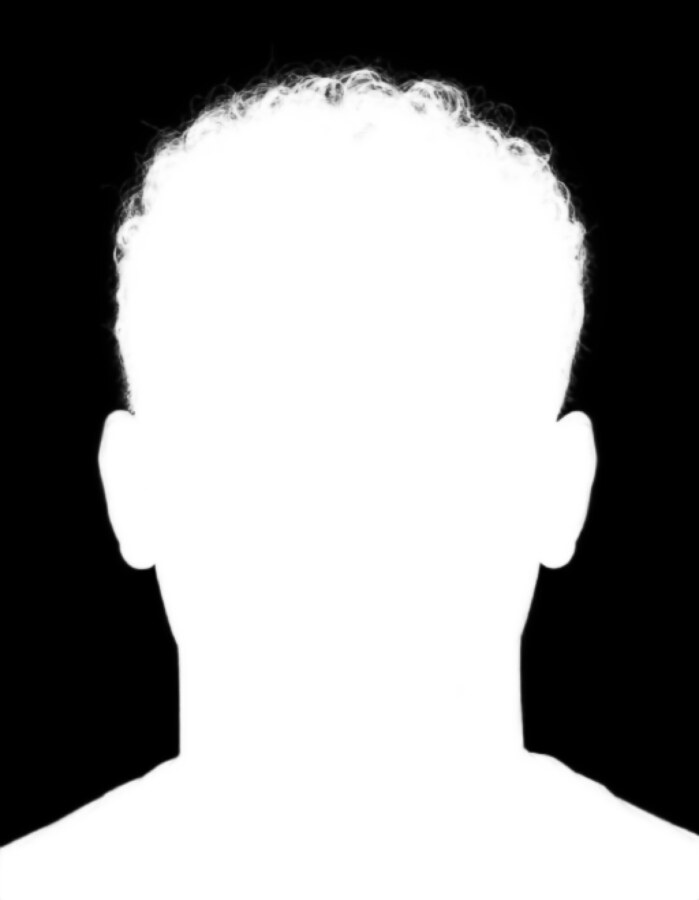
Mask of the person including hair
Mask (MODNet)
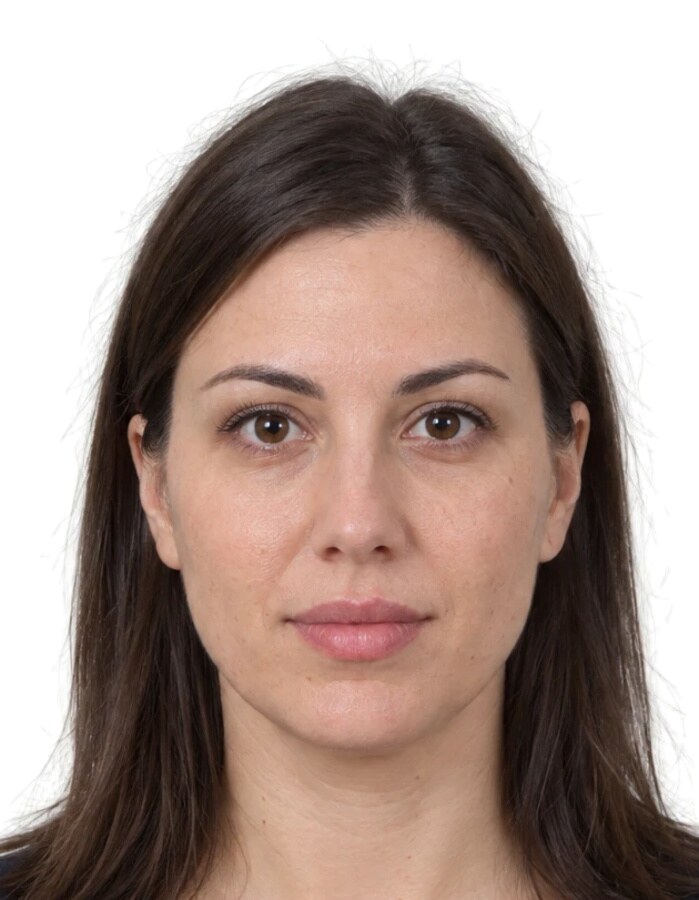
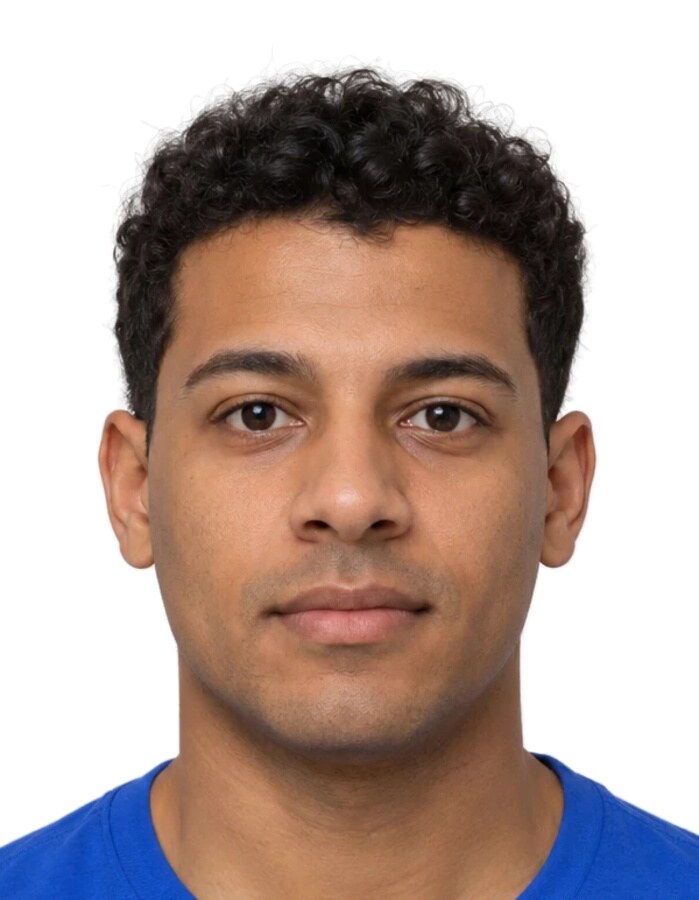
Portrait on a white background
White
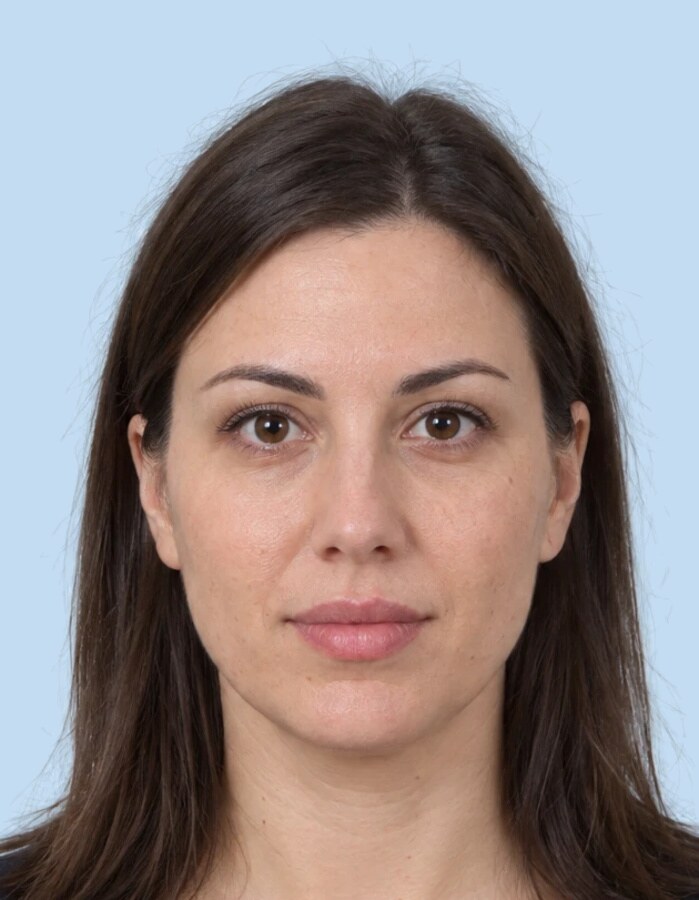
Portrait on a light blue background
Light blue
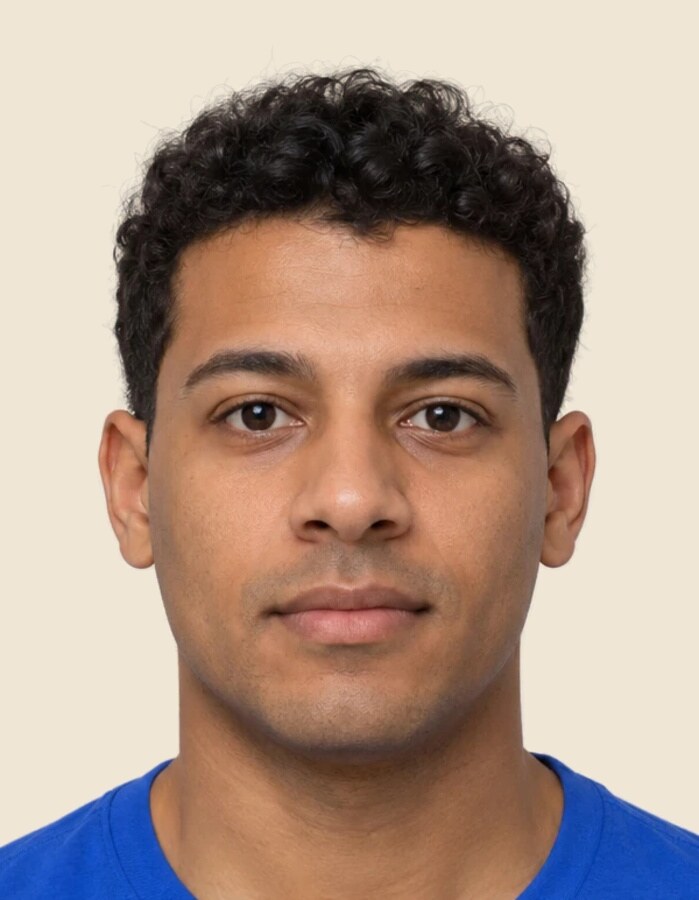
Portrait on a beige background
Beige
Portrait on a grey background
Mask of the person including hair
Portrait on a white background
Portrait on a light blue background
Portrait on a beige background

Real output from the program's algorithm, no manual corrections. Pick the background from a ready palette or any colour, per photo.

Sheet with mixed sizes
Mixed sizesDifferent templates on one sheet.
Sheet with a repeated photo
Repeat modeOne photo fills the sheet.
ID photo settings
SettingsSize, head, sheet, gap.

The sample portraits are AI-generated; the people are fictional.

08

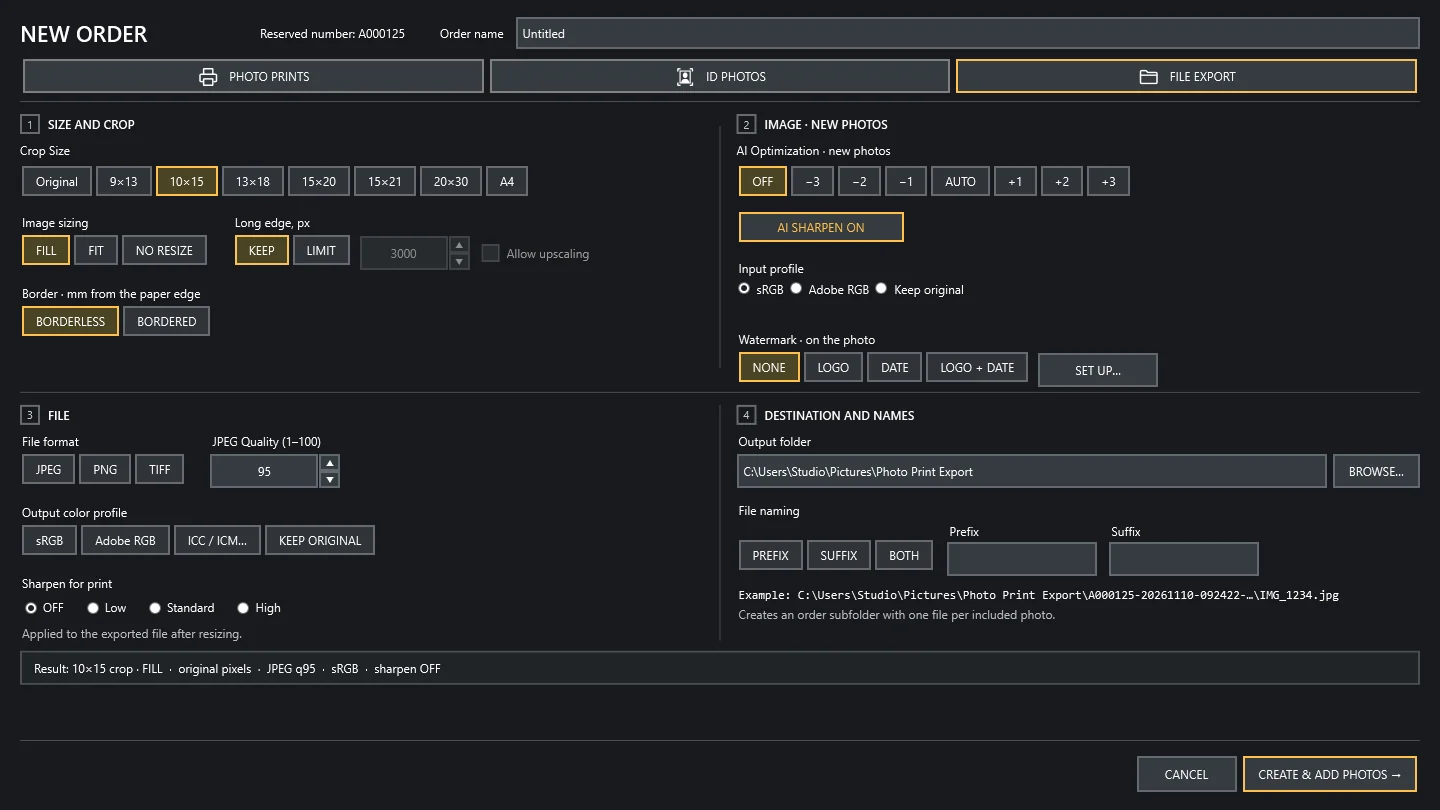
File export

Full control over the finished file, with the same AI quality as in print.

FormatJPEG (with quality), PNG, TIFF
Colour profilesRGB, Adobe RGB, installed ICC/ICM, keep original
Sizeprint crop or original; keep or limit the long edge in px; optional upscaling
Bordertop, bottom, left, right in mm
File sharpeningoff, low, standard, high
Namesprefix, suffix or both; a number only on a clash
Foldera subfolder named after the order
File export settings
09

Logo and date

Your brand on every photo: the studio logo and the date or time the photo was taken, in print and in export.

Modesnone, logo, date, logo and date
Logosize, opacity, 9 positions
Date and timeformat, font, colour, size, opacity, shadow, position
Date sourceEXIF or file date
Photo with logo and date in the editor
10

White border printing

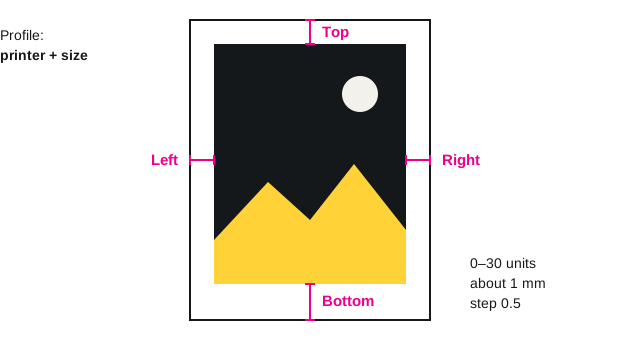
An even white border on every printer and paper size. Set it once and it stays accurate on every order that follows.

Profileper printer and size
Sidestop, bottom, left, right
Range0–30 units, about 1 mm each
Step0.5
Sheet with a white border and the four adjustable sides
Each side of the border is set separately.
11

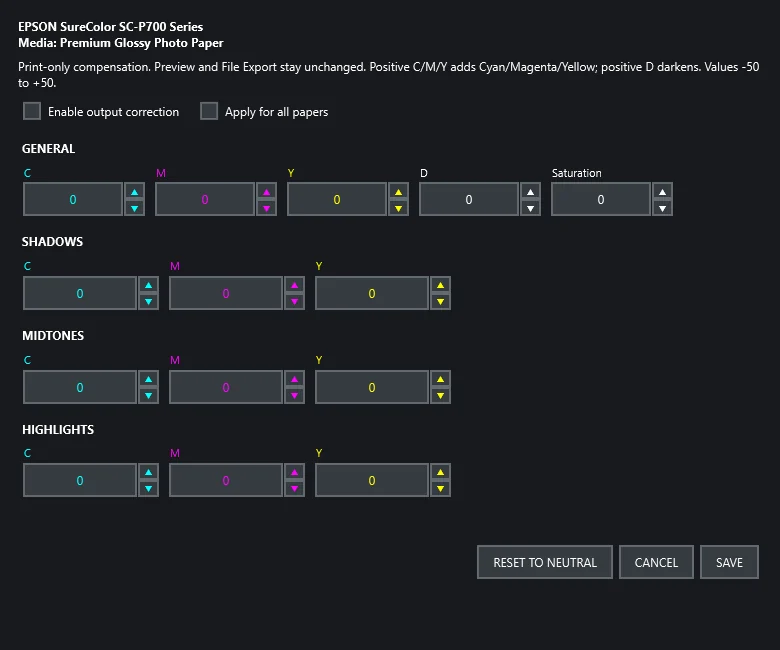
Output colour and density settings

Predictable colour and density on every printer and paper, set once for consistent results.

GeneralC, M, Y, D, saturation
By toneC, M, Y in shadows, midtones and highlights
Range−50 … +50
Print sharpeningoff, low, standard, high
Output settings for a printer and paper

Evaluation and licence